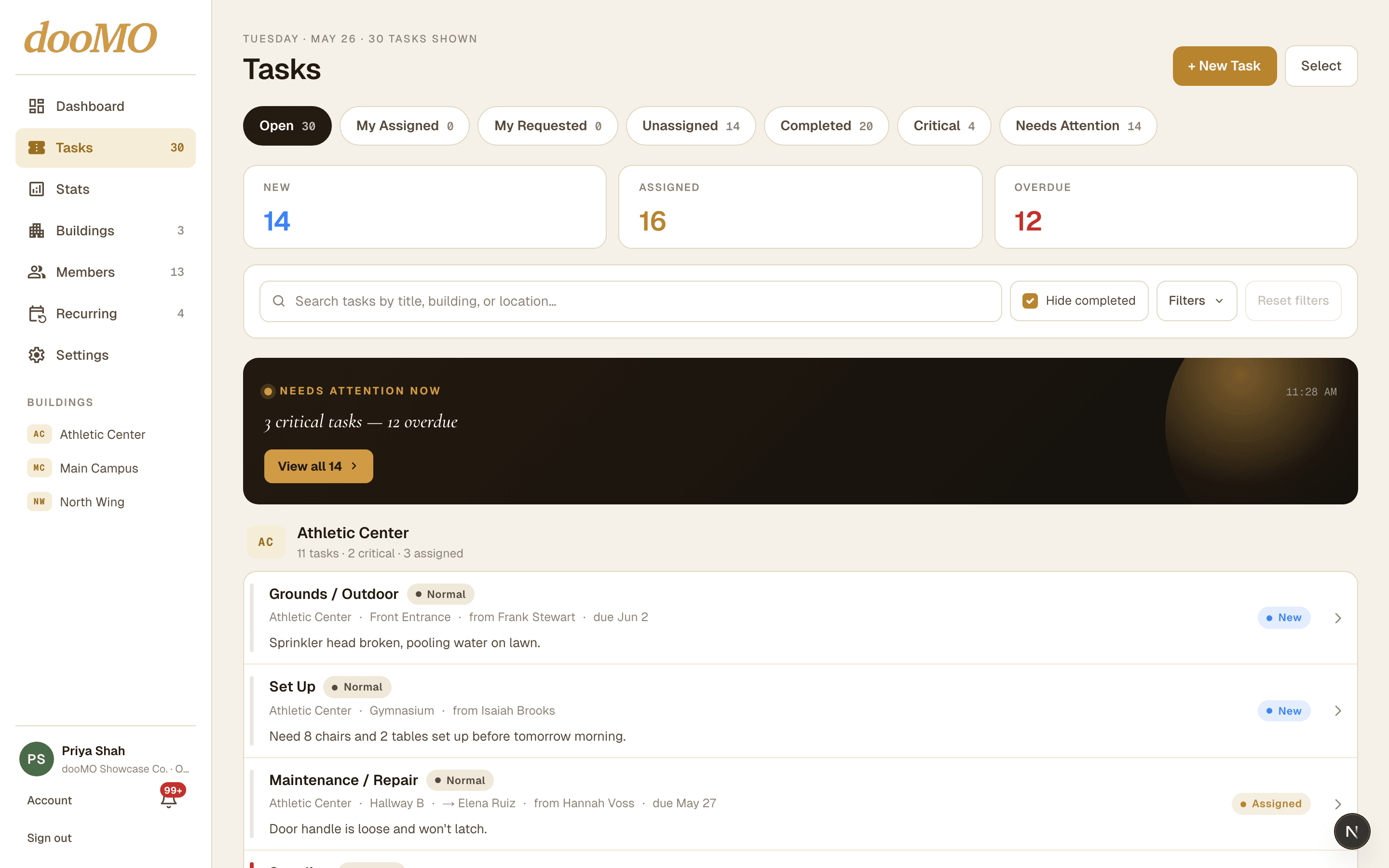
Every task, every building
One view of what's open, in progress, and overdue — and who's on it.
doomotasks.com



One place to submit, assign, and track maintenance work across every building — with photo proof, recurring schedules, and stats that show what's actually getting done.
Free plan available · No credit card required · iOS app coming soon
One view of what's open, in progress, and overdue — and who's on it.
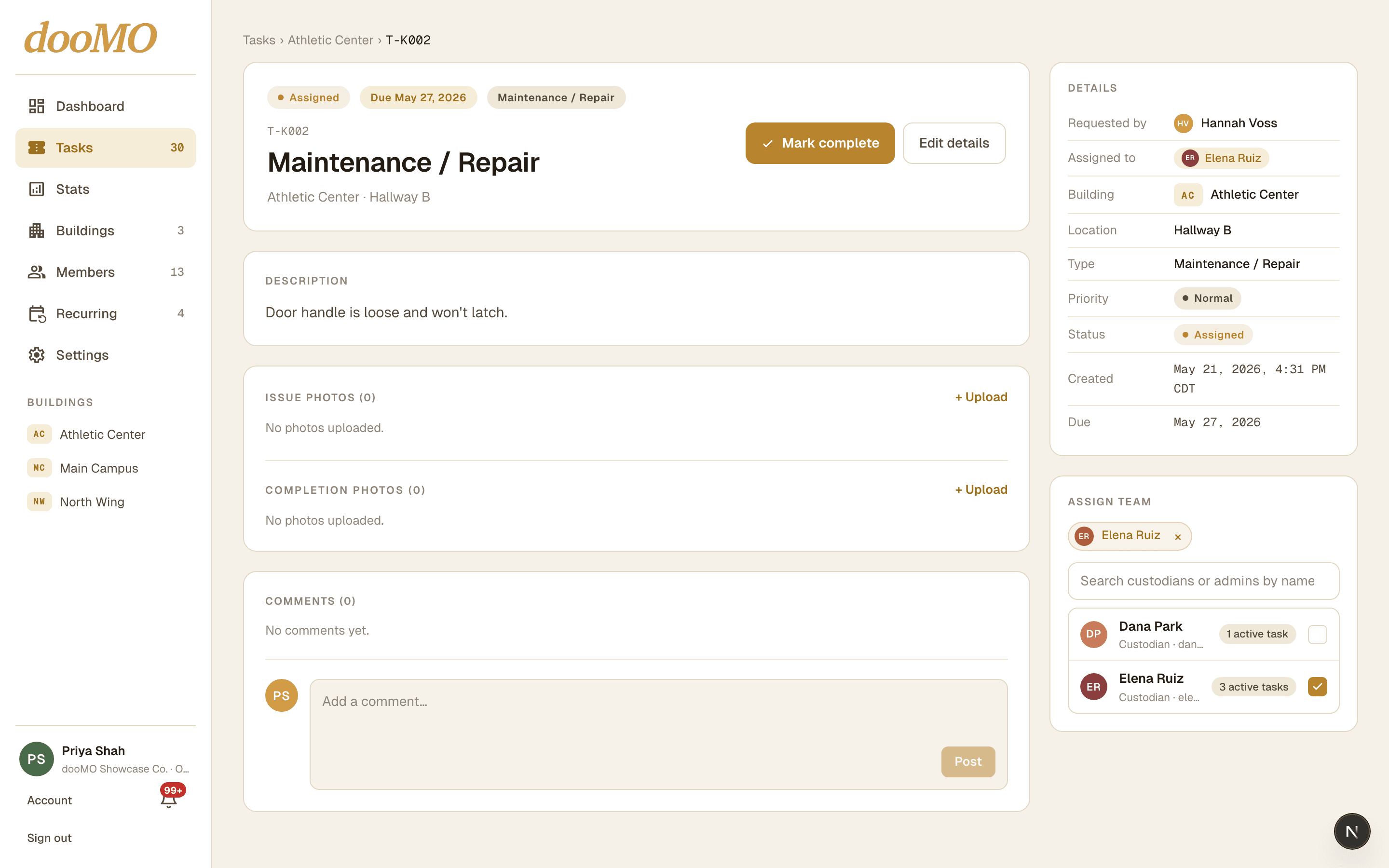
See each teammate's active task load before you hand it off.
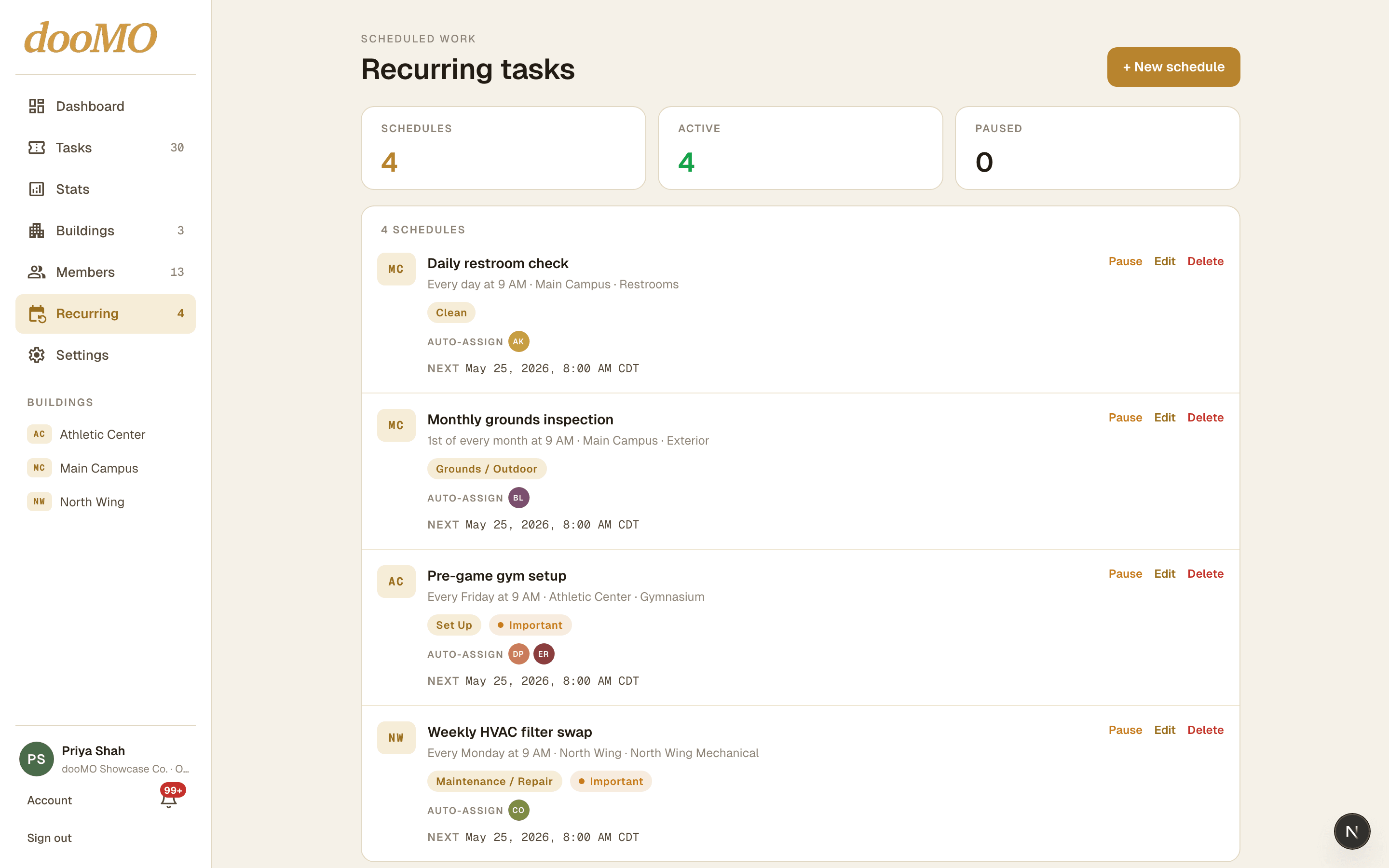
Weekly inspections, monthly filters, daily walks. Created on time.
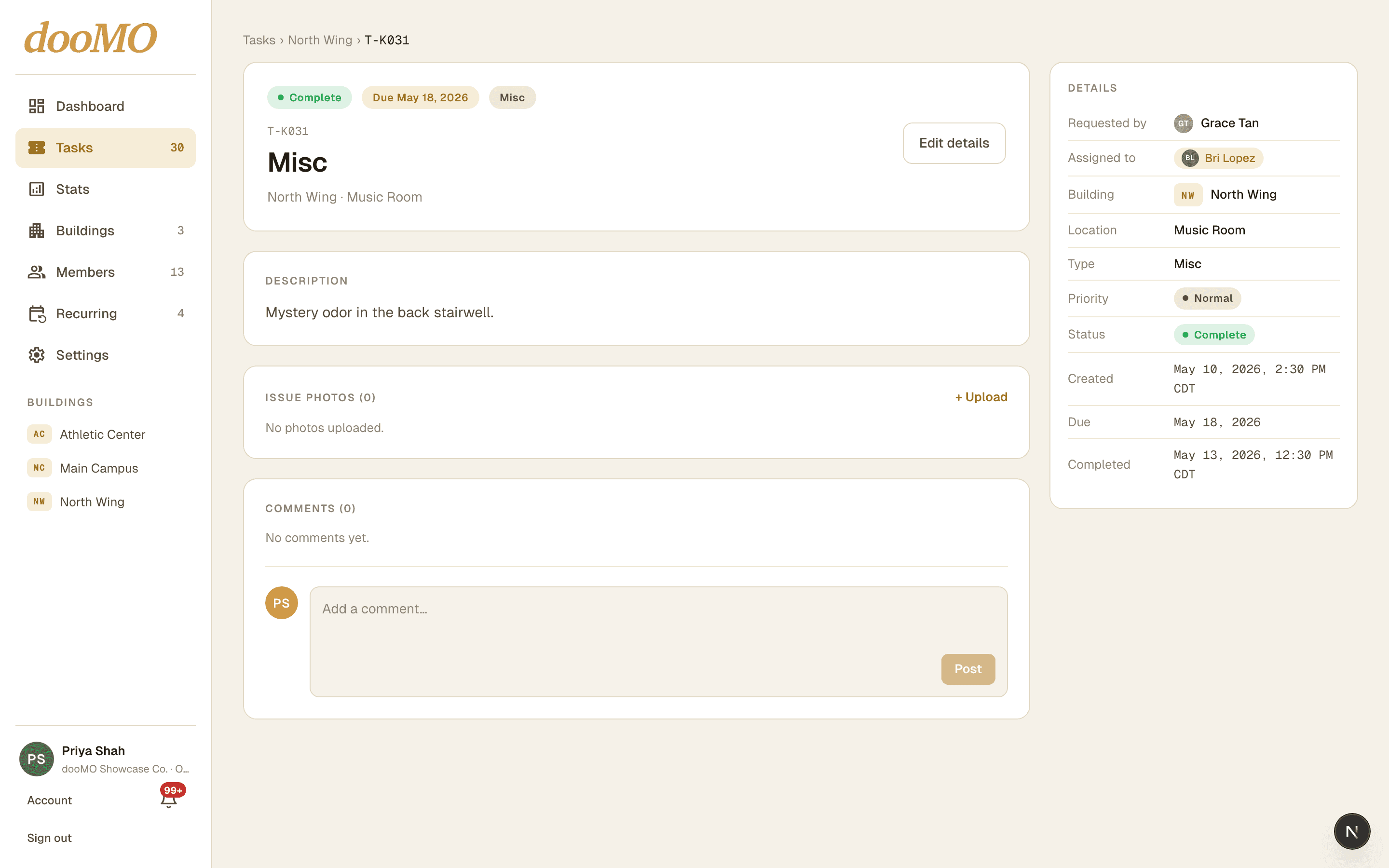
Photos, comments, completion notes, and a timestamp on every task.
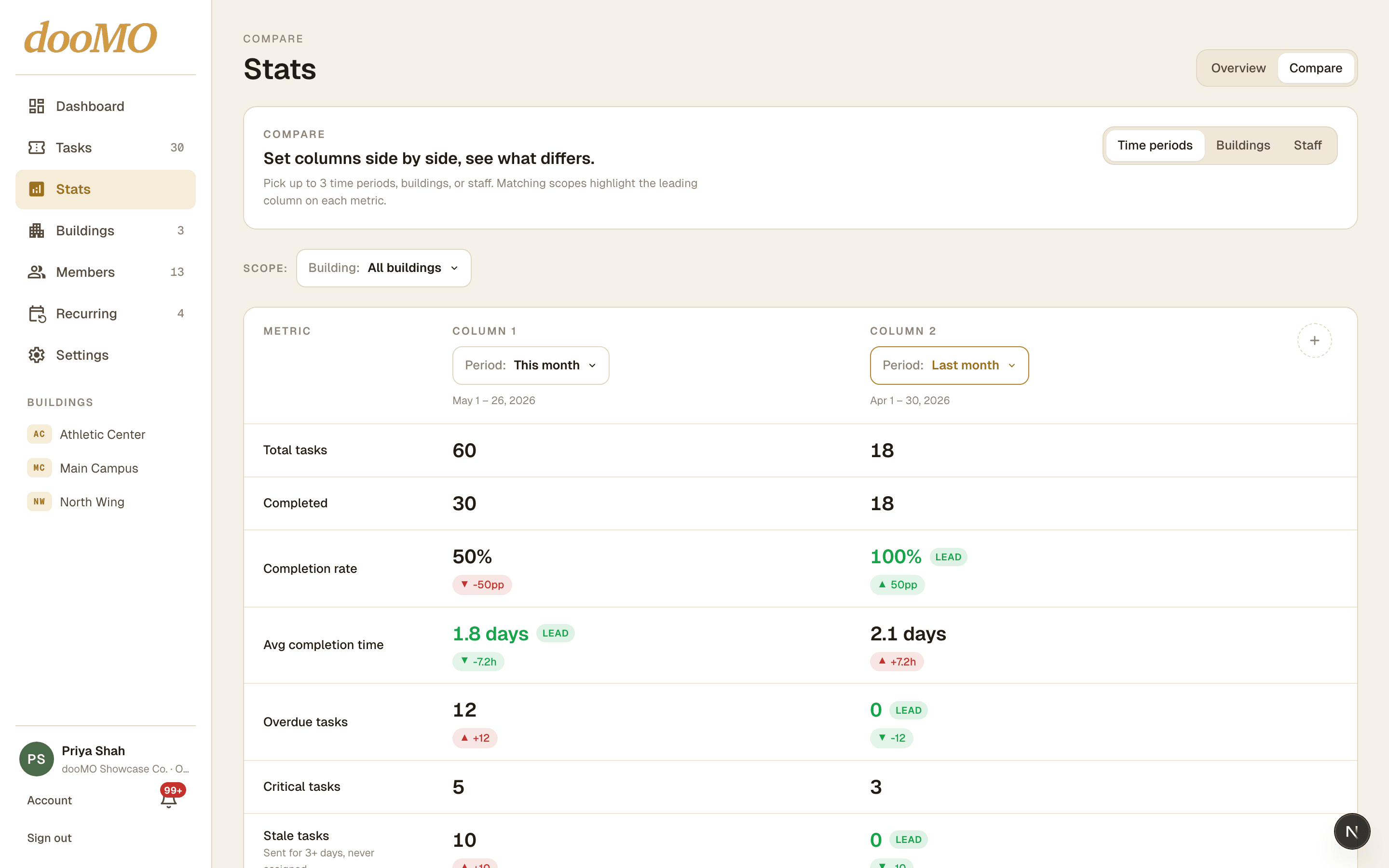
Completion rate, response times, repeat hotspots — and Compare puts two months, buildings, or teammates side by side.
This is the default setup. Cells marked Customizable can be changed by an organization admin.
Full control over the entire organization, every building, every member, and every task.
Runs day-to-day operations for one or more assigned buildings. Cannot change org-wide settings or add buildings.
Completes tasks assigned to them. Sees only their own queue unless an admin opens up the building view.
Submits and tracks their own tasks. Free and unlimited in every plan tier — never counted as a staff seat.
One flat price per organization, plus a per-seat rate only if you go past the seats and buildings your plan includes. Requesters — the people who submit tasks — are unlimited and free on every plan.
A staff seat is anyone who manages or does the work — organization admins, building admins, and custodians — plus any pending invites to those roles. Requesters, who only submit tasks, are always unlimited and free. Every plan includes a set number of seats and buildings; on paid plans you can add more, up to the plan's cap, and each extra one is billed monthly at the per-seat and per-building rate shown on that plan above. Annual billing discounts both the base price and the overage rates.
Enterprise arrangements are scoped in a written order form. We do not imply that a custom integration, identity setup, audit capability, or support commitment is included until it is agreed in writing.
A native iPhone app is on the way — the same queues, photo proof, and stats, sized for a phone. On Android or anything else? The full dooMO web app already runs in any mobile browser today, no install required.
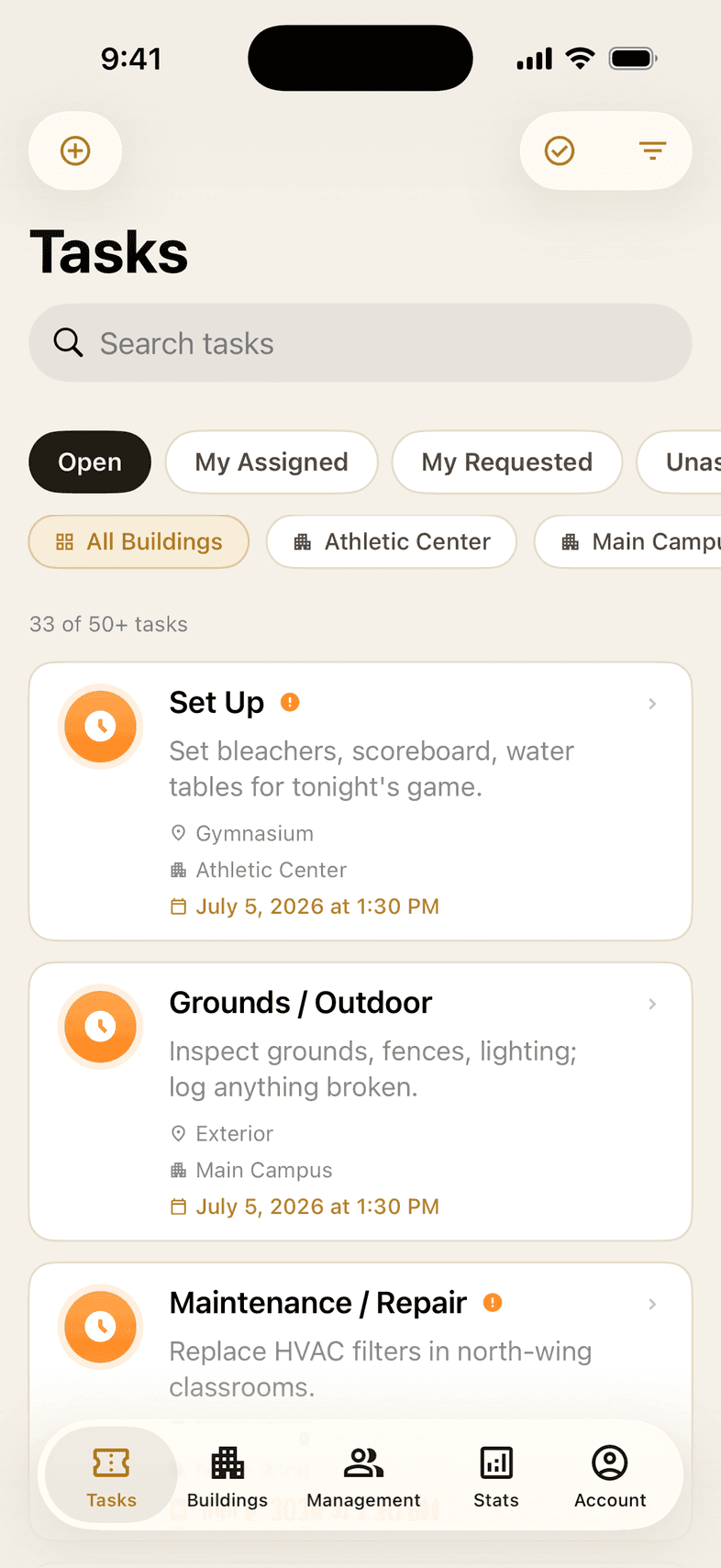
Every task, in your pocket
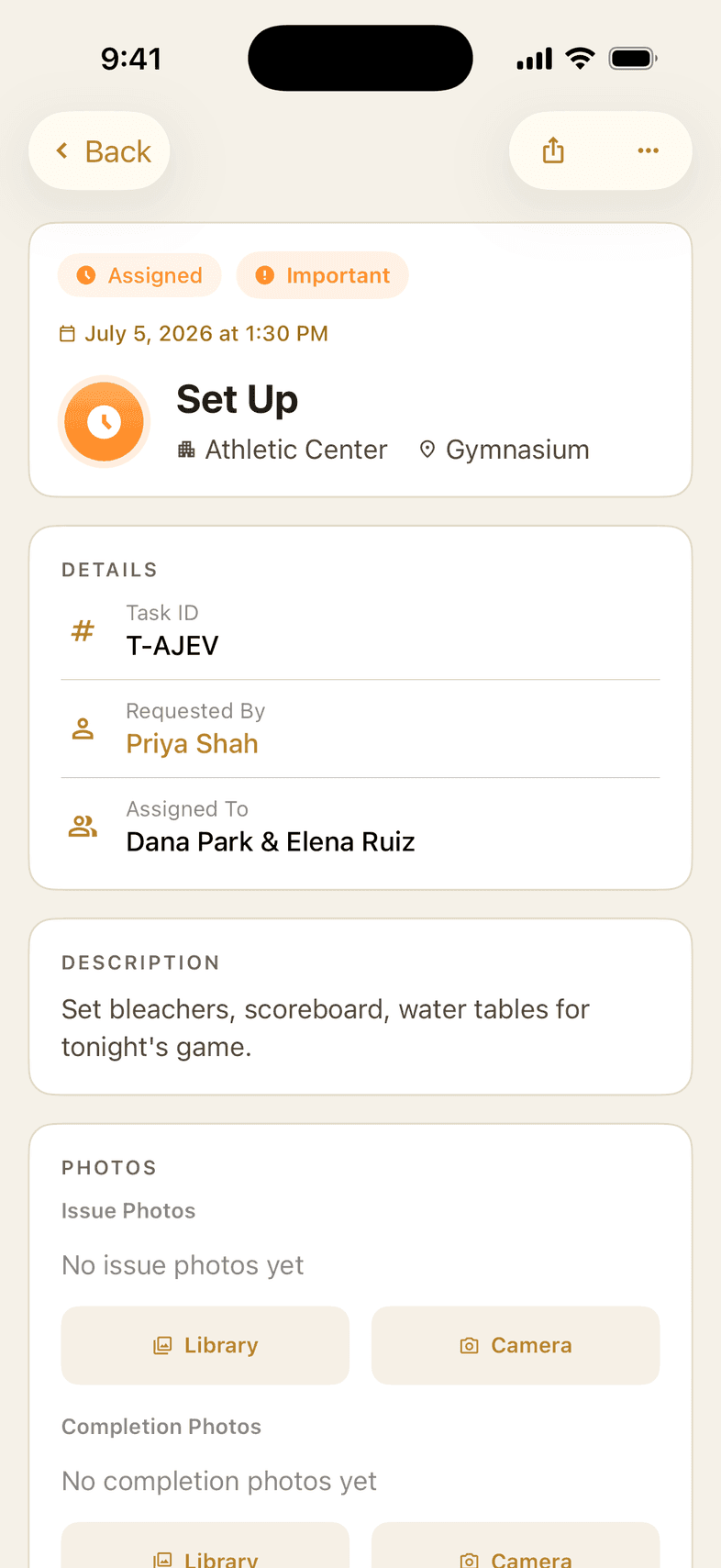
Full detail, one tap away
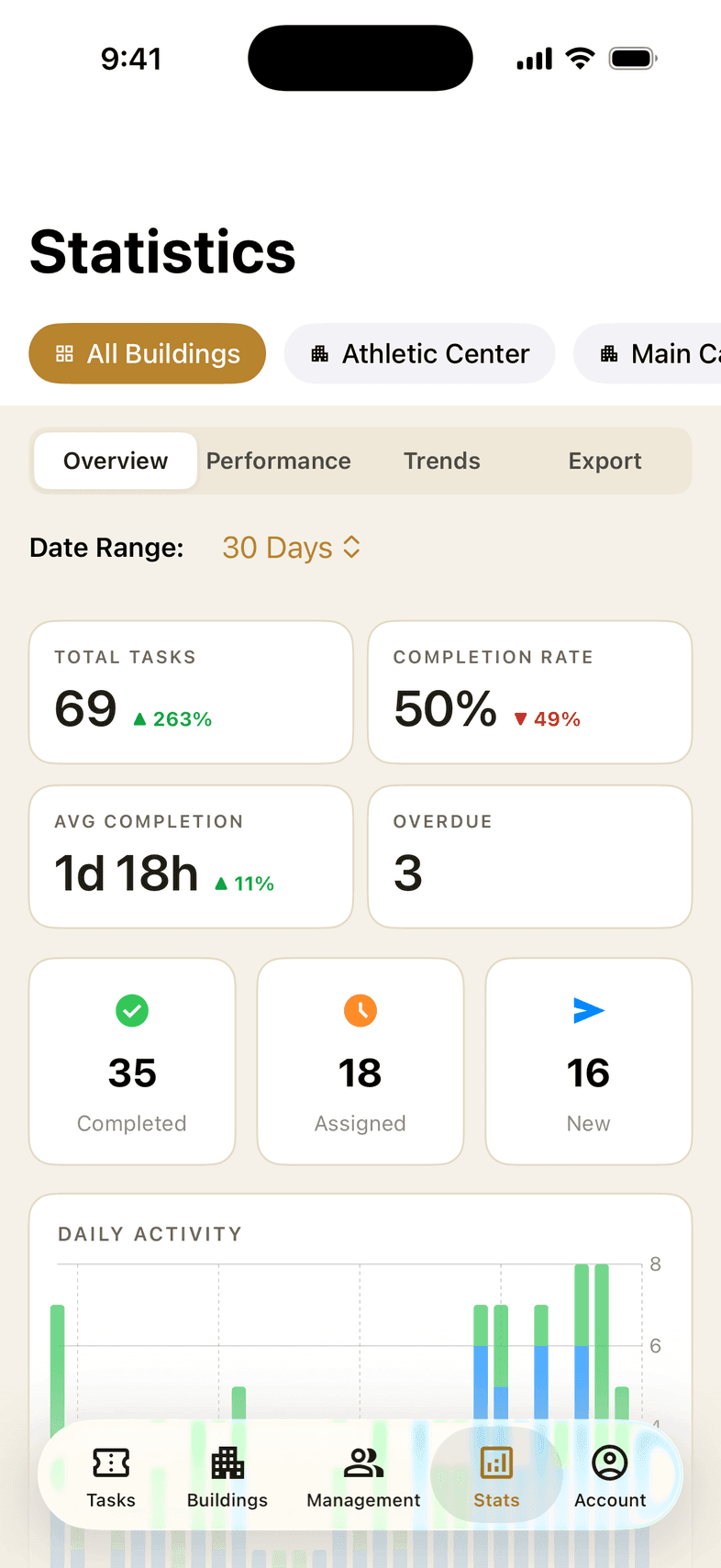
Stats on the go
dooMO is designed for schools, campuses, property managers, and grounds crews that need a simple, reliable way to keep maintenance moving across every building they run.
Role-based access control, encrypted data, and building-level permissions keep your facility data private.
Create your organization, invite your team, and start managing tasks the same day. No training required.
Track completion rates, custodian workload, and peak submission times — then Compare any two months, buildings, or teammates side by side.
Create your organization, invite the team, and send your first task today.
Free plan available · No credit card required